On this page
The viral “ugly crayon” prompt
The most viral GPT image prompt overseas right now goes:
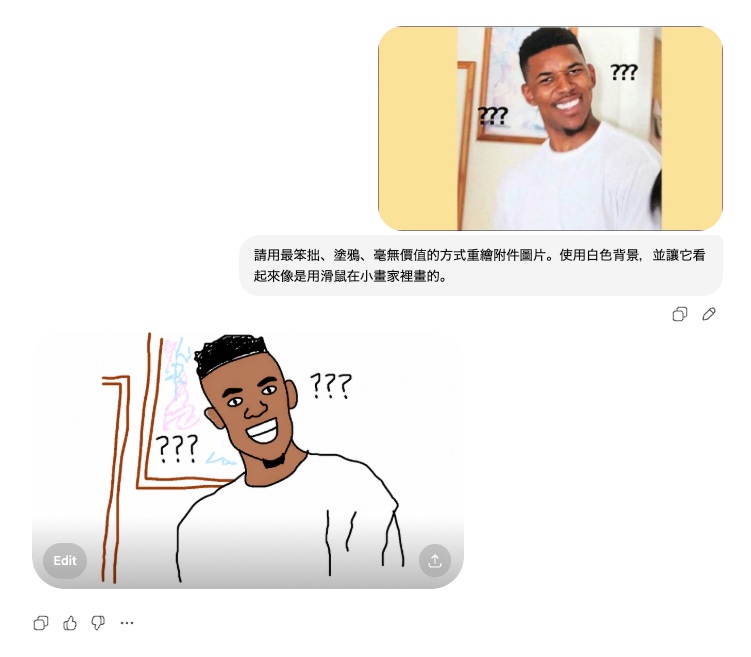
“Please redraw the attached image in the most clumsy, doodled, worthless way possible. Use a white background, and make it look like it was drawn with a mouse in MS Paint.”
The results are unreasonably funny. Reddit has compiled a gallery: https://www.reddit.com/r/ChatGPT/comments/1t0pyb4/gpt_image_2_prompt_that_is_viral_right_now_redra/
I tried it:
Fewer constraints, better results
A side discovery: issuing image prompts directly inside Codex produces better results than having Claude Code hand them off to Codex.
Claude tends to over-constrain — every detail spelled out, every option pinned. GPT-image-2, on the other hand, shines with fewer constraints. Its creativity lives in the negative space.
The more layers of intermediation, the more the original intent gets “polished” away. If you have ever routed image generation through MCP from one model to another, try going native next time and compare outputs.
The real problem: consistency
Everyone is playing with ChatGPT’s latest image model. The capability gap over Google’s models is obvious. But to actually use it for work, you have to learn to maintain consistency.
You have probably hit these:
- The conversation drifts, you ask to change A and B silently changes too
- Each iteration adds noise, text gets blurrier, edges get rougher
That is the consistency problem. The “creativity” of an image model is exactly its “uncontrollability” — at work, that is a double-edged sword.
Pairing with Canva
This is why Canva still matters in this era. It lets you put “AI-generated material” inside a “human-controlled layout.”
Loose at the generation stage to leverage GPT-image-2’s strength. Tight at the layout stage to lock down consistency with Canva.
Detailed walkthrough video: https://www.youtube.com/watch?v=hzrBXjgCLG8
Postscript: Ten Images in One Shot
After GPT image 2.5 shipped in September 2026, the blurry-background problem is gone. Send the output through magic layer and you can edit it much more freely.
The bigger change is coherence when it generates several images at once — both the content and the look hold together far better. My prompt was one sentence:
Draw the life of the Buddha in 10 images. Use a realistic style.
Five of the ten:
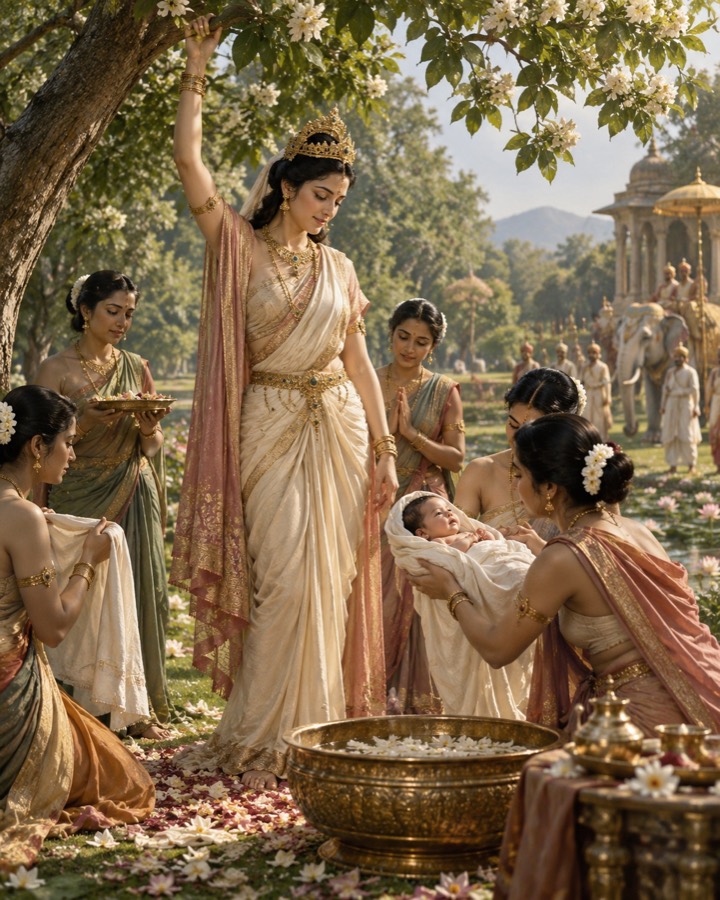
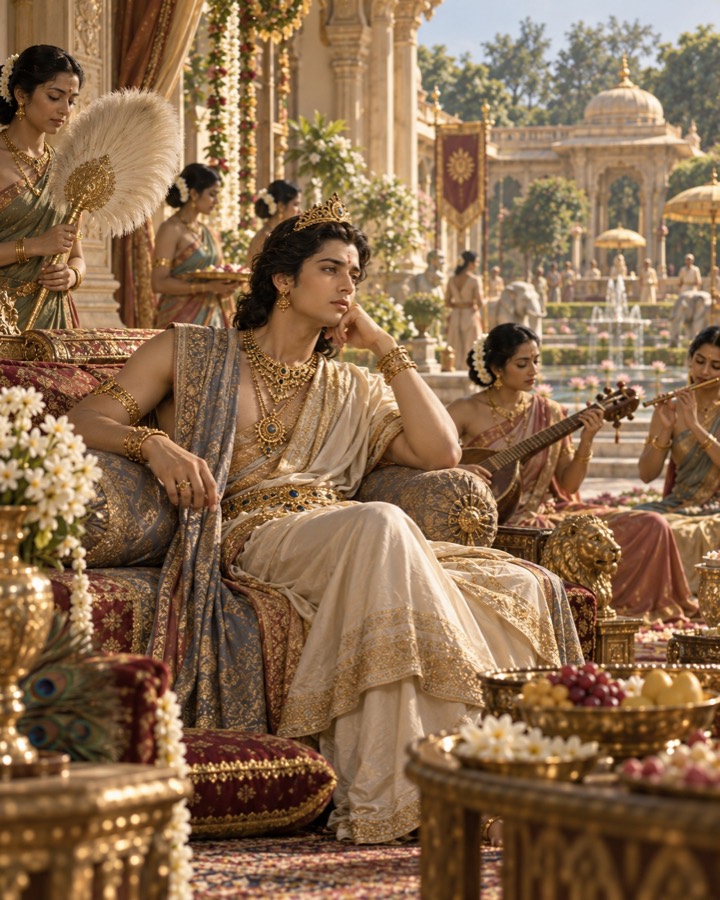
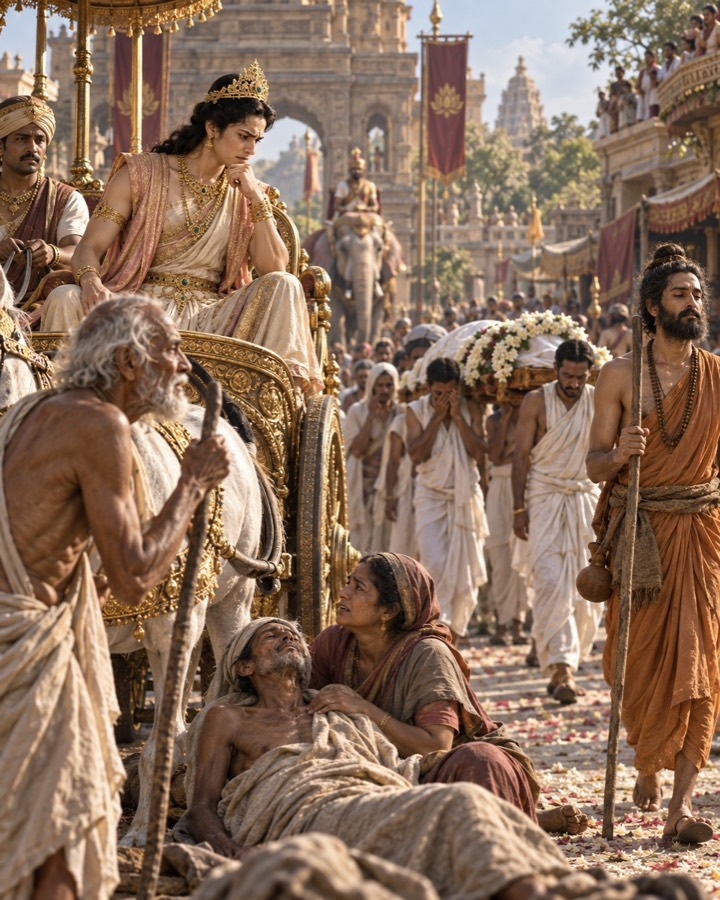
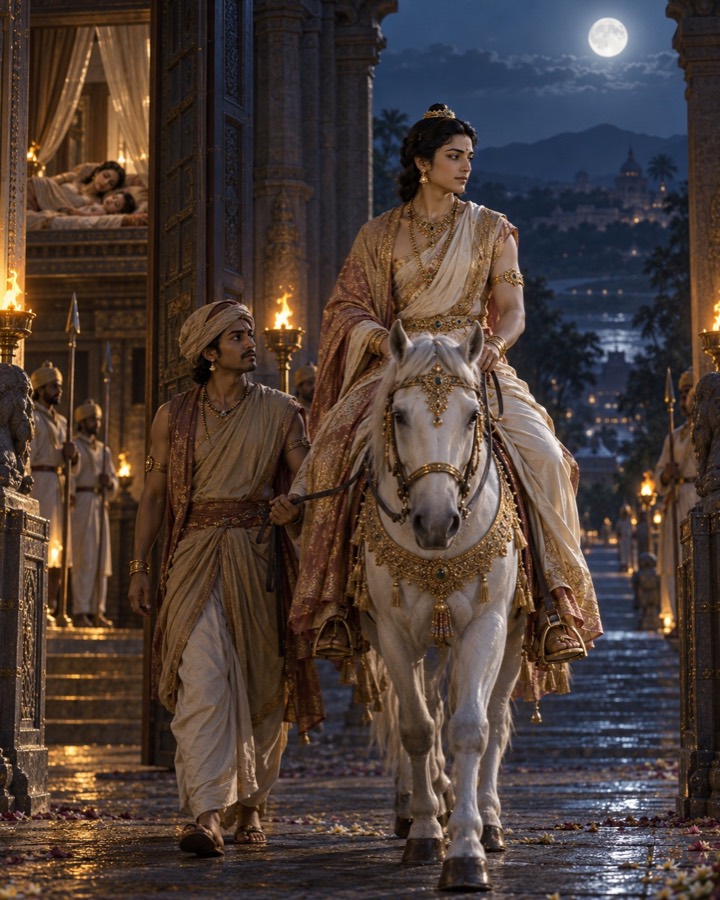
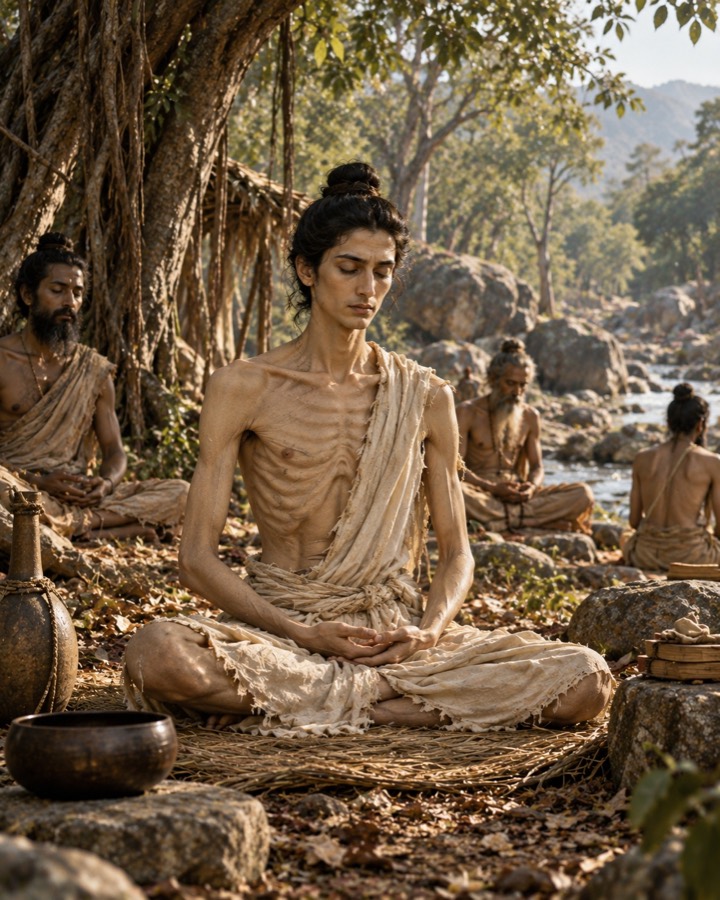
This lines up with the “fewer constraints is better” section above: a one-sentence prompt, and across ten images the figures, clothing and lighting all match.
Postscript: That Viral Doodle Prompt
The hottest GPT image prompt overseas right now: “Please redraw the attached image in the most clumsy, doodled, worthless way possible. Use a white background, and make it look like it was drawn with a mouse in MS Paint.”