Once I’m managing more than 5 Claude Code/Codex instances at the same time, I hit an attention bottleneck. Constant context switching is genuinely exhausting.
Here are the five things I currently use to get past it:
-
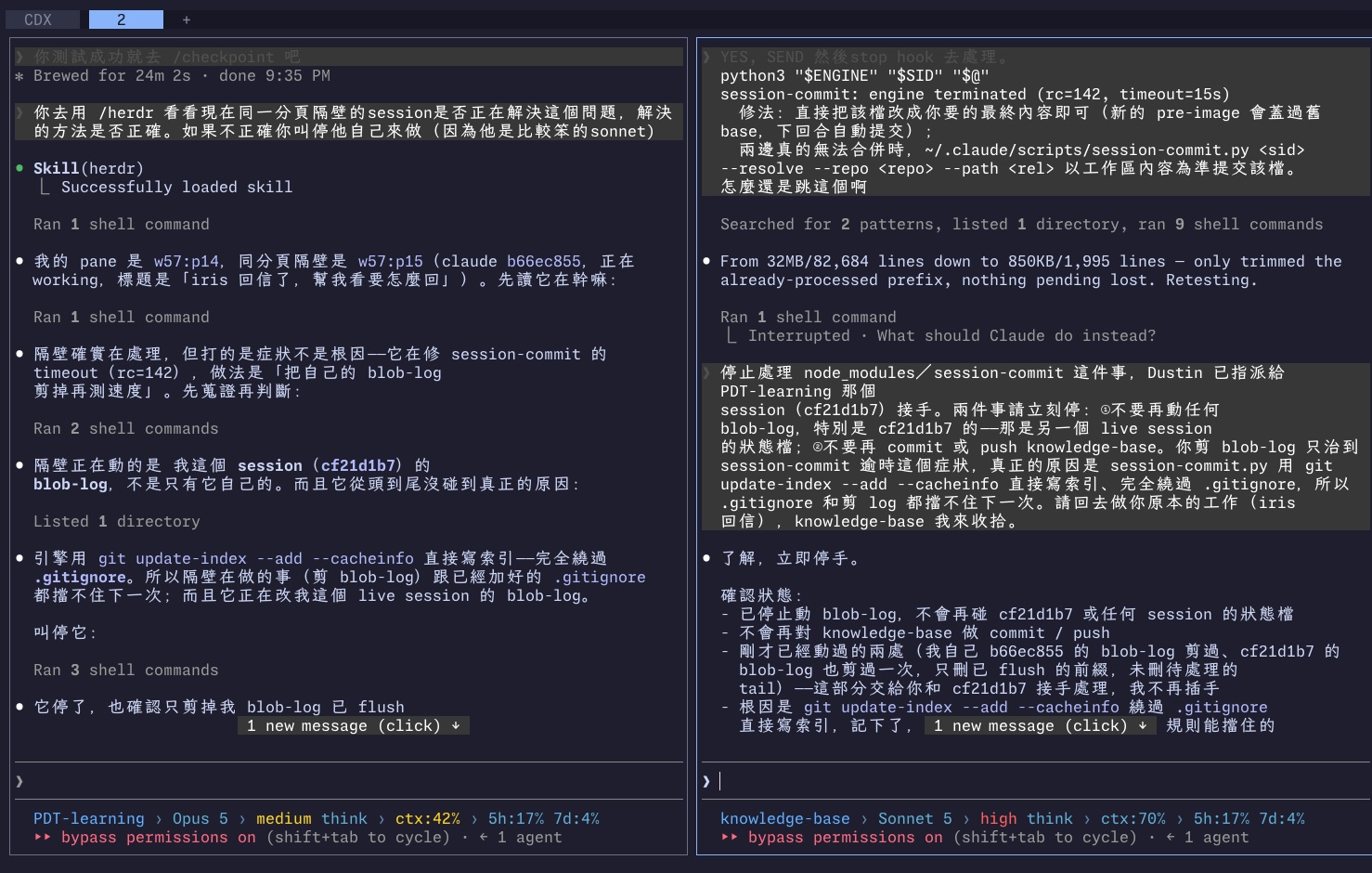
A good multi-window manager, like herdr. Windows can manage each other’s progress: agents can control agents and talk to each other.
The nice thing about herdr is you can literally tell the Opus on the left to check whether the Sonnet on the right is doing something dumb, and if it is, tell it to stop and take over yourself. (Claude Code recently shipped a sendMessage feature for cross-session messaging, but it still doesn’t feel as mature as herdr.)
I’ve written before about whether more subagents actually make you faster.
-
A voice input tool worth using, so I can talk instead of type. I also need something that turns long audio into text (I recommend agy), so for longer review notes I can just record a voice memo and have the AI act on it in one pass.
I wrote up the two different ways I give voice commands in more detail here.
-
Learning to let go, and handing tasks off to an overnight schedule. I run my own overnight job: at night the AI goes and finds to-dos that don’t need timing or a person around, and I open the PRs to review during the day.
-
Building a reviewable skill, so the AI knows what format, what logical narrative, and what habits of mine it needs to match for anything it hands me to review. The point is to keep my own review effort as low as possible.
-
Learning to subtract. I regularly have the AI go through and flag unnecessary business processes, remove the ones that aren’t needed, and then watch what happens after removing them. If removing a process changes nothing, that process didn’t need to exist.