On this page
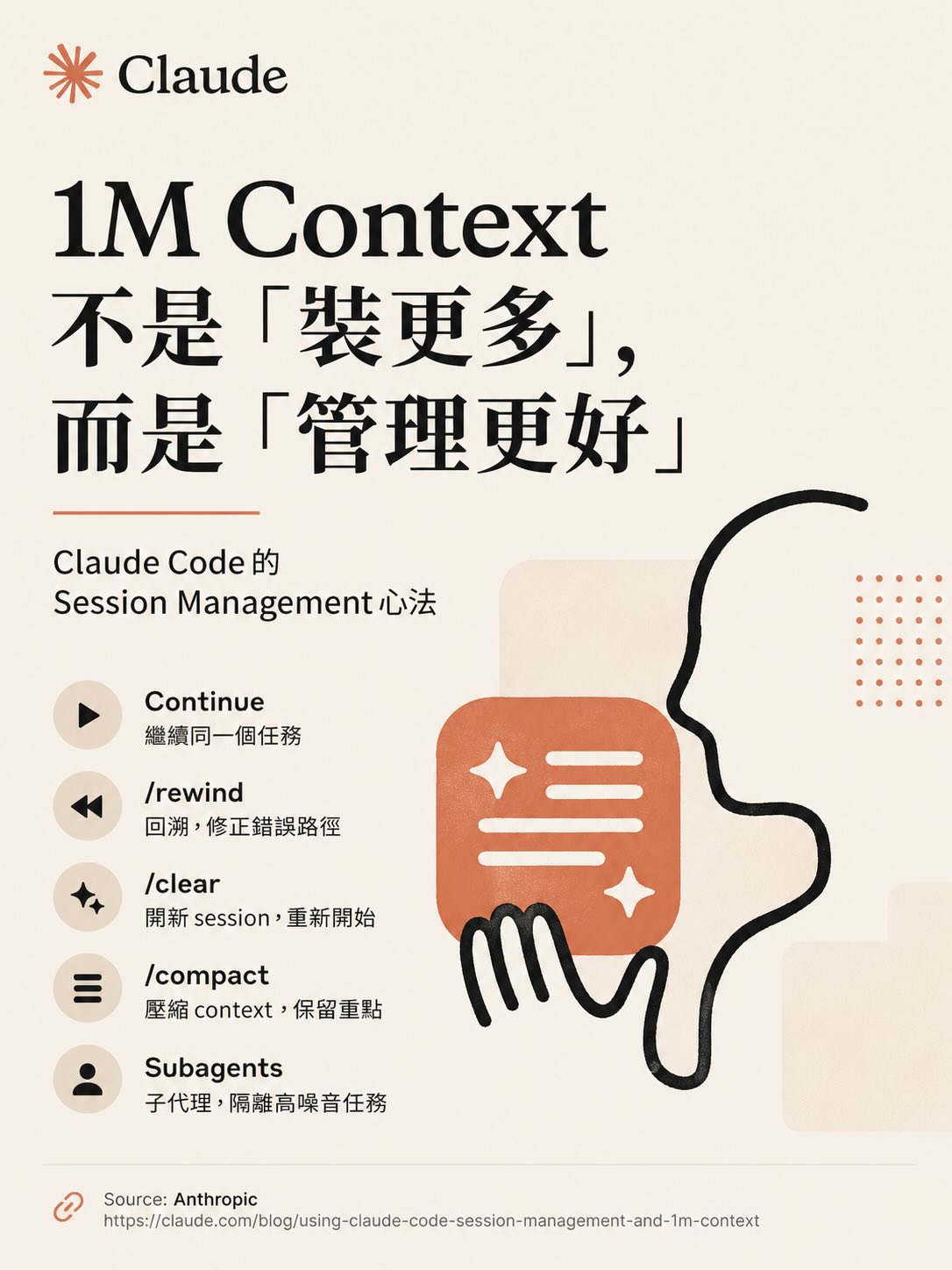
When context grew from 200k to 1M, the natural response was: great, I can load more in.
That response is wrong.
Bigger context means higher management cost. Attention dilutes, old information interferes with new tasks, model performance drifts — this is context rot. Knowing how to use 1M context correctly matters more than knowing how big it is.
Core concept: context ≠ bigger is better
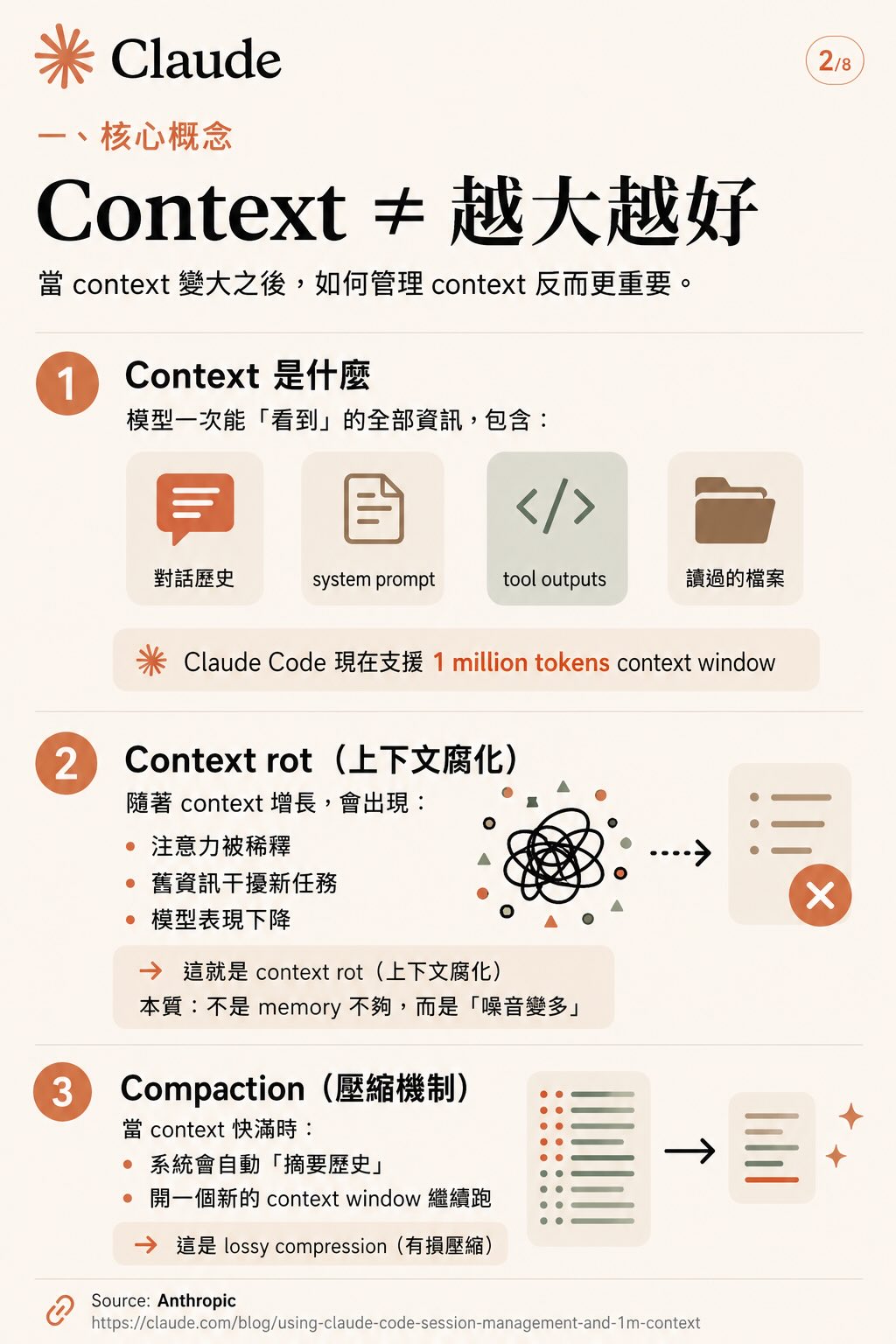
Context is everything the model “sees” in a single session: conversation history, system prompt, tool outputs, files it’s read. Claude Code now supports a 1 million token context window.
But as context grows, three things happen:
- Attention dilutes: important information drowns in history
- Old information interferes: a decision made three tasks ago keeps influencing current reasoning
- Model performance drops: this is context rot — the core problem isn’t insufficient memory, it’s too much noise
When context fills up, automatic compaction kicks in: the system summarizes history and opens a new context window to continue. This is lossy compression. Important details can get dropped in the process.
Actively managing context beats waiting for the system to handle it.
Five operations, five situations
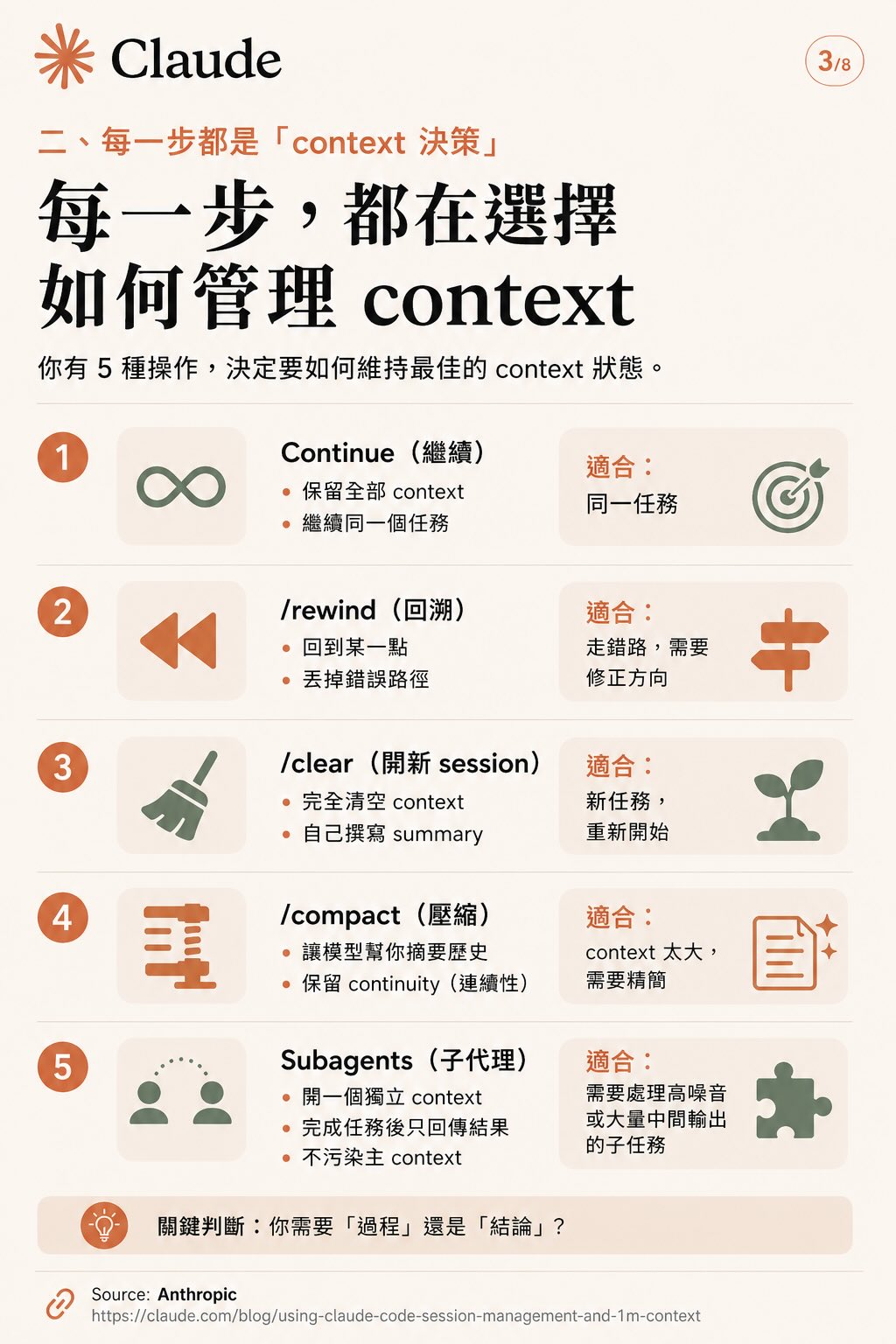
Every time you decide “what do I do next,” you’re making a context decision. You have five operations:
1. Continue Keep full context, stay on the same task. Use when: task is ongoing, all the context is still relevant.
2. /rewind Roll back to a branch point, discard the wrong path. Use when: you went the wrong direction and want to correct course without starting over.
3. /clear Completely empty the context. Write your own summary to carry into the new session. Use when: you’re switching to a genuinely different task.
4. /compact Let the model summarize history and preserve continuity. Use when: context is bloated, too much noise, needs trimming but not a complete reset.
5. Subagents Open a separate context, run a task, return only the conclusion. The sub-agent’s noise doesn’t touch your main context. Use when: subtask generates a lot of intermediate output you don’t need in the main thread — file scanning, verification, lookup tasks.
Key question: do you need the process or just the conclusion? If the subtask’s details don’t matter, use a subagent.
Four strategies to keep context clean
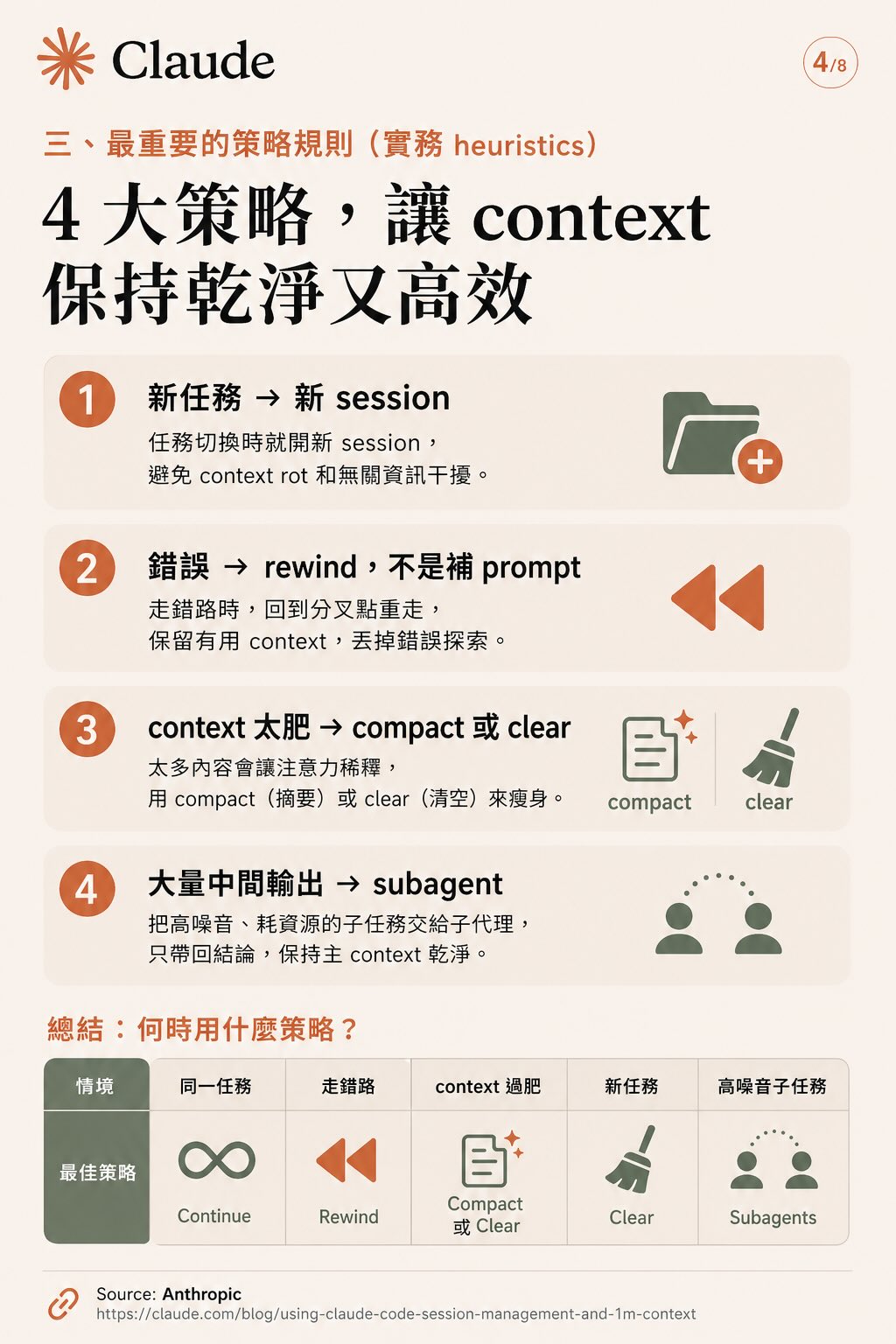
The five operations collapse into four practical rules:
Rule 1: New task → new session Switch tasks, open a new session. Don’t let the “residual context” from the previous task influence new reasoning.
Rule 2: Wrong path → rewind, not more prompting When you’ve gone wrong, don’t try to fix it by explaining more. Rewind to the fork and take a different route. Keep useful context, discard the failed exploration.
Rule 3: Bloated context → compact or clear Too much content dilutes attention. Compact to trim; if you’ve fully moved to a new task, clear.
Rule 4: High intermediate output → subagent Noisy, resource-intensive subtasks go to a sub-agent. Only the result comes back. Main context stays clean.
| Situation | Best operation |
|---|---|
| Same task, still going | Continue |
| Wrong direction or failed attempt | /rewind |
| Switching to new objective | /clear |
| Too much noise, getting confused | /compact |
| High-noise subtask | Subagents |
Two common ways to break your context
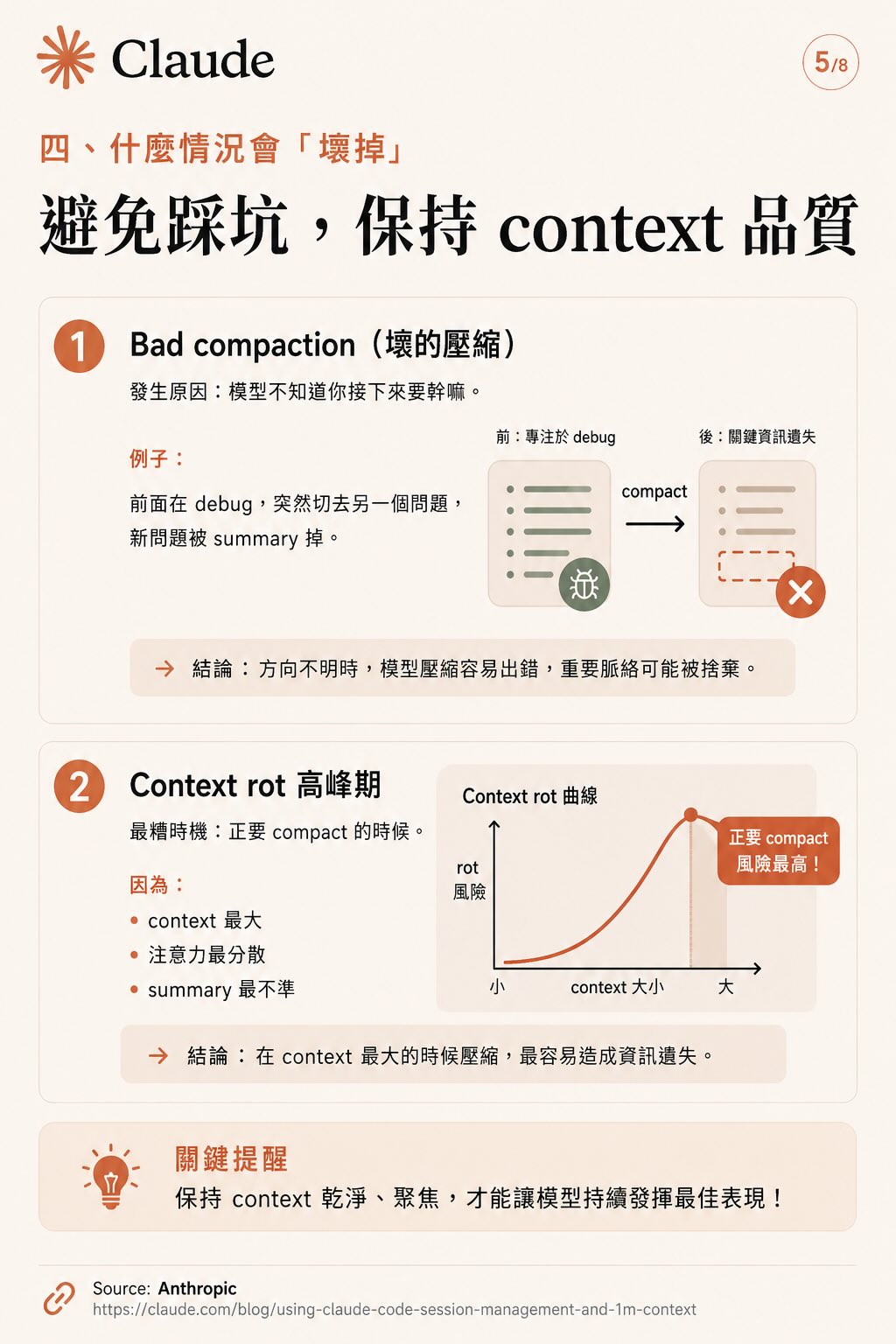
Problem 1: Bad compaction
Happens when you compact without knowing what’s next. Example: you’re in the middle of debugging, suddenly switch to something else, and the new problem gets summarized away.
When direction is unclear, the model’s summary will be wrong. Important context gets discarded. Compact only when you know what you’re doing next.
Problem 2: Compacting at peak context is the worst time to compact
The intuition is “wait until context is almost full, then compact.” That’s actually the worst possible moment because:
- Context is largest, attention most scattered
- Summary is least reliable
- Critical information is most likely to be lost
Better habit: compact at the end of small tasks. Don’t wait until things are already overwhelming.
Decision table
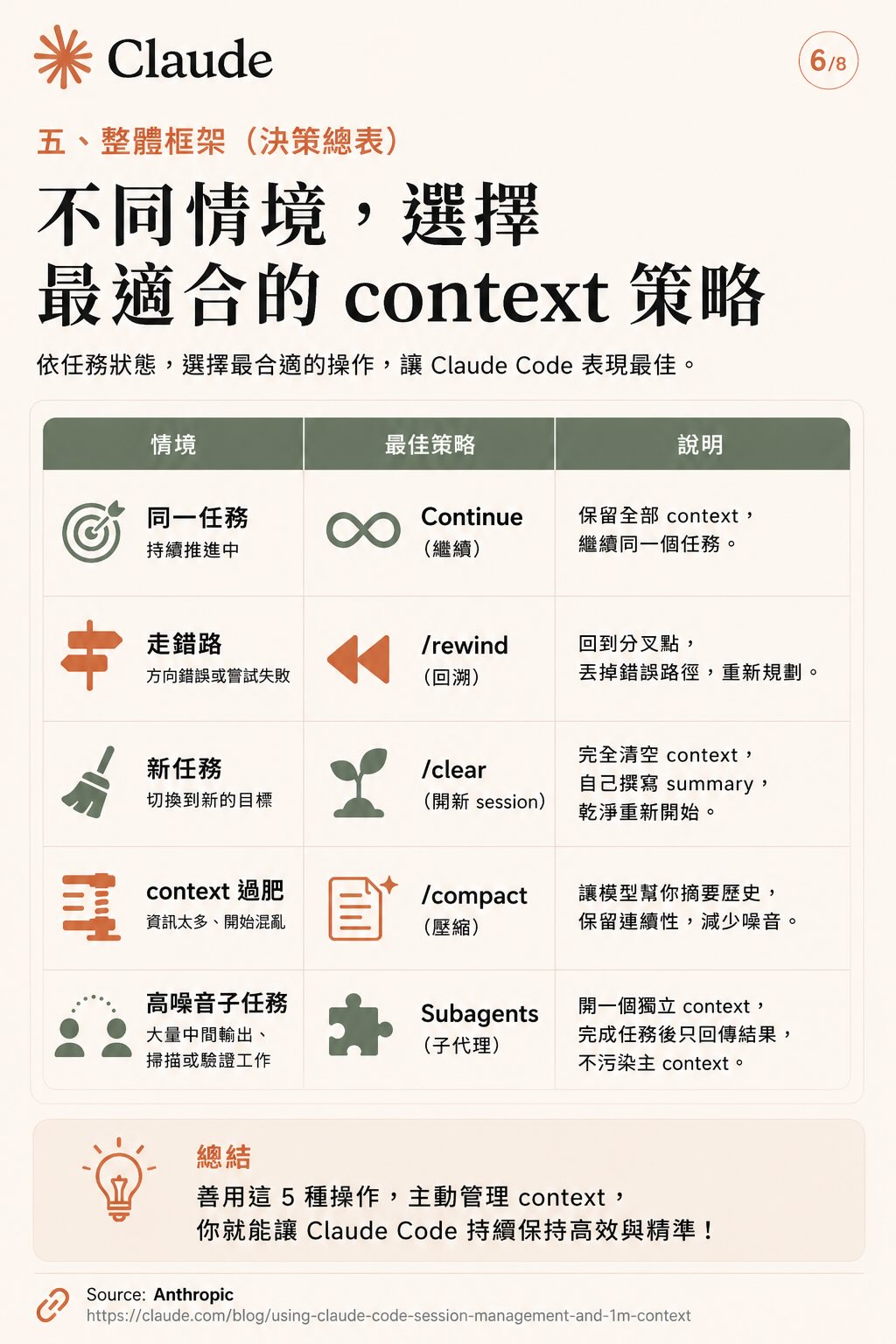
Use these five operations actively, and Claude Code maintains high performance throughout. Context window size is the ceiling — management quality determines actual performance.
Source: Anthropic’s official post Using Claude Code Session Management and 1M Context