While everyone was going crazy over lobster, I was very clear about my own capability and lifestyle boundaries.
“Lobster” here refers to the trend of letting AI agents run fully autonomous with no guardrails — auto-accepting jobs, auto-replying to emails, auto-deploying code. Looks cool, but my position is clear:
- Until my security knowledge and skills can handle an open environment, I’m not touching it.
- When I’m away from the computer, AI is not allowed to push work-related things to me. Only I can pull.
Claude Code plus remote control already achieves a good balance between these two constraints, and it’s deeply integrated into 90% of my work. I’m content with that. Get the multi-agent project management right during work hours, and spend the rest of the time living an unplugged human life. What’s wrong with that?
Company Data Can’t Touch AI? Presidio Can Help
This is probably a pain point for many: you know Claude is great, but company privacy policies forbid sending any data to AI.
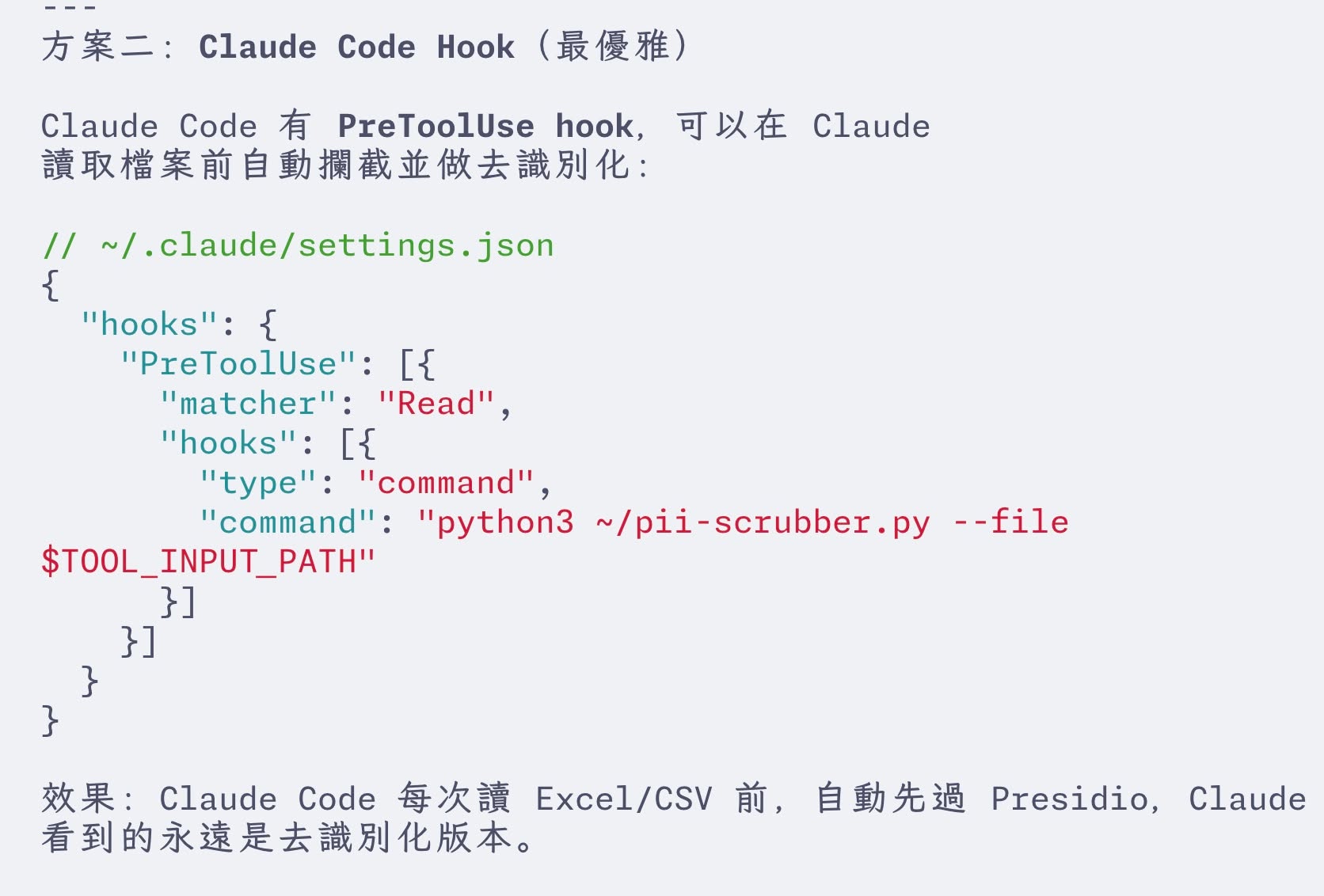
I found a solution. Microsoft has a free open-source tool called Presidio: it detects private data locally and replaces it with placeholders (de-identification). You send the de-identified data to AI for processing, then decode the results back locally.
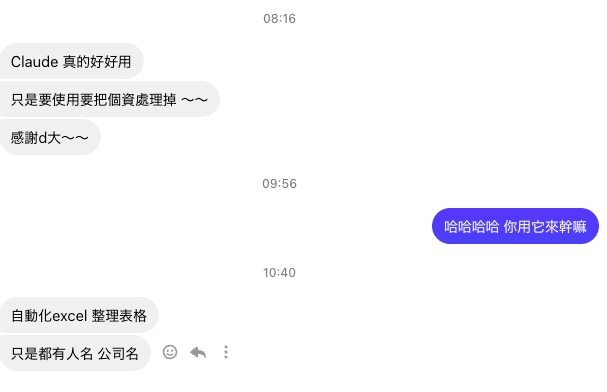
Integrating with Claude Code is straightforward — just add a Presidio pre-processing and post-processing layer to your pipeline.
Daily Security Practices
Security awareness is non-negotiable when working with Claude Code:
Version control and backups are the foundation: Set up version control, backups, full-machine snapshots, plus security constraints in claude.md. Clicking confirm one by one is painfully slow, but going full bypass is too risky.
Hooks as safety nets: I wrote security rules in Claude.md, but Claude once straight-up ignored them. After that, I switched to Hooks for enforcement — any external package installation triggers a security scan, any outbound message triggers a confirmation prompt. Unlike rules, Hooks can’t be ignored. They’re hardcoded.
Conversation history management: History auto-deletes after 14 days. There’s a JSON parameter to configure this. For sensitive operations, make sure this setting is where you want it.
Share methods, not products: Some automation tools I’ve built with Claude Code, I have no plans to share publicly. Sharing the finished product could have legal implications, but sharing the methodology is safe.